
Как настроить SquirrelMail чтобы пользователи могли менять пароли почты на сервере ISPConfig 3
Кому подходит это руководство
Это руководство для системных администраторов, которые управляют почтовым сервисом на ISPConfig 3 и используют SquirrelMail как веб‑почту. Оно показывает, как дать пользователям возможность менять свои пароли прямо в интерфейсе SquirrelMail.
Важно: автор руководства не даёт гарантий. Сначала проверьте всё на тестовой машине.
Что потребуется
- Доступ root/права sudo на сервере с ISPConfig 3.
- Установленный SquirrelMail и веб‑сервер.
- Доступ к базе данных ISPConfig (MySQL) — учтите безопасность хранения пароля в config.
- Установленный pear (для пакета DB).
Шаги
1 — Скачать и распаковать плагин change_sqlpass
cd /usr/share/squirrelmail/plugins/wget http://squirrelmail.org/countdl.php?fileurl=http%3A%2F%2Fwww.squirrelmail.org%2Fplugins%2Fchange_sqlpass-3.3-1.2.tar.gztar zxvf change_sqlpass-3.3-1.2.tar.gzcd change_sqlpass2 — Применить патч в functions.php (исправление для md5crypt)
Откройте файл:
vi functions.phpНайдите фрагмент:
case strtolower(PASSWORD_ENCRYPTION_MD5CRYPT):
return '"' . md5crypt($password, $salt) . '"';
Замените на:
case strtolower(PASSWORD_ENCRYPTION_MD5CRYPT):
include_once(SM_PATH . 'plugins/change_sqlpass/md5crypt.php');
return '"' . md5crypt($password, $salt) . '"';
Это подключает реализацию md5crypt из плагина, если её нет в базовой сборке SquirrelMail.
3 — Создать config.php (не используйте config.php.sample)
vi config.phpПеред вставкой скопируйте содержимое и замените строку с DSN на вашу (укажите реальный пароль вместо your_mysql_password):
$csp_dsn = 'mysql://root:[email protected]/dbispconfig';Ниже приведён полный пример config.php, который нужно поместить в каталог плагина change_sqlpass. Оставьте структуру и запросы как в примере, отредактировав только DSN и, при необходимости, SQL‑запросы под вашу схему базы данных.
  *               2002-2005 Paul Lesneiwski <[email protected]>
  * This program is licensed under GPL. See COPYING for details
  *
  * @package plugins
  * @subpackage Change SQL Password
  *
  */


   // Global Variables, don't touch these unless you want to break the plugin
   //
   global $csp_dsn, $password_update_queries, $lookup_password_query,
          $force_change_password_check_query, $password_encryption,
          $csp_salt_query, $csp_salt_static, $csp_secure_port,
          $csp_non_standard_http_port, $csp_delimiter, $csp_debug,
          $min_password_length, $max_password_length, $include_digit_in_password,
          $include_uppercase_letter_in_password, $include_lowercase_letter_in_password,
          $include_nonalphanumeric_in_password;


   // csp_dsn
   //
   // Theoretically, any SQL database supported by Pear should be supported
   // here.  The DSN (data source name) must contain the information needed
   // to connect to your database backend. A MySQL example is included below.
   // For more details about DSN syntax and list of supported database types,
   // please see:
   //   http://pear.php.net/manual/en/package.database.db.intro-dsn.php
   //
   $csp_dsn = 'mysql://root:[email protected]/dbispconfig';


   // lookup_password_query
   //
   // This plugin will always verify the user's old password
   // against their login password, but an extra check can also
   // be done against the database for more security if you
   // desire.  If you do not need the extra password check,
   // make sure this setting is empty.
   //
   // This is a query that returns a positive value if a user
   // and password pair are found in the database.
   //
   // This query should return one value (one row, one column), the
   // value being ideally a one or a zero, simply indicating that
   // the user/password pair does in fact exist in the database.
   //
   //   %1 in this query will be replaced with the full username
   //      (including domain), such as "[email protected]"
   //   %2 in this query will be replaced with the username (without
   //      any domain portion), such as "jose"
   //   %3 in this query will be replaced with the domain name,
   //      such as "example.com"
   //   %4 in this query will be replaced with the current (old)
   //      password in whatever encryption format is needed per other
   //      plugin configuration settings (Note that the syntax of
   //      the password will be provided depending on your encryption
   //      choices, so you NEVER need to provide quotes around this
   //      value in the query here.)
   //   %5 in this query will be replaced with the current (old)
   //      password in unencrypted plain text.  If you do not use any
   //      password encryption, %4 and %5 will be the same values,
   //      except %4 will have double quotes around it and %5 will not.
   //
   //$lookup_password_query = '';
   // TERRIBLE SECURITY: $lookup_password_query = 'SELECT count(*) FROM users WHERE username = "%1" AND plain_password = "%5"';
   $Lookup_Password_Query = 'SELECT count(*) FROM mail_user WHERE email = "%1" AND crypt_password = %4';
   //$Lookup_Password_Query = '';


   // password_update_queries
   //
   // An array of SQL queries that will all be executed
   // whenever a password change attempt is made.
   //
   // Any number of queries may be included here.
   // The queries will be executed in the order given here.
   //
   //   %1 in all queries will be replaced with the full username
   //      (including domain), such as "[email protected]"
   //   %2 in all queries will be replaced with the username (without
   //      any domain portion), such as "jose"
   //   %3 in all queries will be replaced with the domain name,
   //      such as "example.com"
   //   %4 in all queries will be replaced with the new password
   //      in whatever encryption format is needed per other
   //      plugin configuration settings (Note that the syntax of
   //      the password will be provided depending on your
   //      encryption choices, so you NEVER need to provide quotes
   //      around this value in the queries here.)
   //   %5 in all queries will be replaced with the new password
   //      in unencrypted plain text - BEWARE!  If you do not use
   //      any password encryption, %4 and %5 will be the same
   //      values, except %4 will have double quotes around it
   //      and %5 will not.
   //
   $password_update_queries = array(
            'UPDATE mail_user SET password = %4 WHERE email = "%1"',
//            'UPDATE users SET crypt_password = %4 WHERE username = "%1"',
//            'UPDATE user_flags SET force_change_pwd = 0 WHERE username = "%1"',
//            'UPDATE users SET crypt_password = %4, force_change_pwd = 0 WHERE username = "%1"',
                                   );


   // force_change_password_check_query
   //
   // A query that checks for a flag that indicates if a user
   // should be forced to change their password.  This query
   // should return one value (one row, one column) which is
   // zero if the user does NOT need to change their password,
   // or one if the user should be forced to change it now.
   //
   // This setting should be an empty string if you do not wish
   // to enable this functionality.
   //
   //   %1 in this query will be replaced with the full username
   //      (including domain), such as "[email protected]"
   //   %2 in this query will be replaced with the username (without
   //      any domain portion), such as "jose"
   //   %3 in this query will be replaced with the domain name,
   //      such as "example.com"
   //
   //$force_change_password_check_query = 'SELECT IF(force_change_pwd = "yes", 1, 0) FROM users WHERE username = "%1"';
   //$force_change_password_check_query = 'SELECT force_change_pwd FROM users WHERE username = "%1"';
   //$force_change_password_check_query = 'SELECT force_change_pwd FROM mail_user WHERE email = "%1"';
   $force_change_password_check_query = '';


   // password_encryption
   //
   // What encryption method do you use to store passwords
   // in your database?  Please use one of the following,
   // exactly as you see it:
   //
   //   NONE          Passwords are stored as plain text only
   //   MYSQLPWD      Passwords are stored using the MySQL password() function
   //   MYSQLENCRYPT  Passwords are stored using the MySQL encrypt() function
   //   PHPCRYPT      Passwords are stored using the PHP crypt() function
   //   MD5CRYPT      Passwords are stored using encrypted MD5 algorithm
   //   MD5           Passwords are stored as MD5 hash
   //
   $password_encryption = 'MD5CRYPT';


   // csp_salt_query
   // csp_salt_static
   //
   // Encryption types that need a salt need to know where to get
   // that salt.  If you have a constant, known salt value, you
   // should define it in $csp_salt_static.  Otherwise, leave that
   // value empty and define a value for the $csp_salt_query.
   //
   // Leave both values empty if you do not need (or use) salts
   // to encrypt your passwords.
   //
   // The query should return one value (one row, one column) which
   // is the salt value for the current user's password.  This
   // query is ignored if $csp_salt_static is anything but empty.
   //
   //   %1 in this query will be replaced with the full username
   //      (including domain), such as "[email protected]"
   //   %2 in this query will be replaced with the username (without
   //      any domain portion), such as "jose"
   //   %3 in this query will be replaced with the domain name,
   //      such as "example.com"
   //
   //$csp_salt_static = 'LEFT(crypt_password, 2)';
   //$csp_salt_static = '"a4"';  // use this format with MYSQLENCRYPT
   //$csp_salt_static = '$2$blowsomefish$';  // use this format with PHPCRYPT


   //$csp_salt_query = 'SELECT SUBSTRING_INDEX(crypt_password, '\'', 1) FROM mail_user WHERE email = "%1"';
   //$csp_salt_query = 'SELECT SUBSTRING(crypt_password, (LENGTH(SUBSTRING_INDEX(crypt_password, '\'', 2)) + 2)) FROM users WHERE username = "%1"';
   //$csp_salt_query = 'SELECT salt FROM users WHERE username = "%1"';
   $csp_salt_query = 'SELECT SUBSTRING(PASSWORD, 4, 8) FROM mail_user WHERE email = "%1"';


   // csp_secure_port
   //
   // You may ensure that SSL encryption is used during password
   // change by setting this to the port that your HTTPS is served
   // on (443 is typical).  Set to zero if you do not wish to force
   // an HTTPS connection when users are changing their passwords.
   //
   // You may override this value for certain domains, users, or
   // service levels through the Virtual Host Login (vlogin) plugin
   // by setting a value(s) for $vlogin_csp_secure_port in the vlogin
   // configuration.
   //
   $csp_secure_port = 0;
   //$csp_secure_port = 443;


   // csp_non_standard_http_port
   //
   // If you serve standard HTTP web requests on a non-standard
   // port (anything other than port 80), you should specify that
   // port number here.  Set to zero otherwise.
   //
   // You may override this value for certain domains, users, or
   // service levels through the Virtual Host Login (vlogin) plugin
   // by setting a value(s) for $vlogin_csp_non_standard_http_port
   // in the vlogin configuration.
   //
   //$csp_non_standard_http_port = 8080;
   $csp_non_standard_http_port = 0;


   // min_password_length
   // max_password_length
   // include_digit_in_password
   // include_uppercase_letter_in_password
   // include_lowercase_letter_in_password
   // include_nonalphanumeric_in_password
   //
   // You can set the minimum and maximum password lengths that
   // you accept or leave those settings as zero to indicate that
   // no limit should be applied.
   //
   // Turn on any of the other settings here to check that the
   // new password contains at least one digit, upper case letter,
   // lower case letter and/or one non-alphanumeric character.
   //
   $min_password_length = 6;
   $max_password_length = 0;
   $include_digit_in_password = 0;
   $include_uppercase_letter_in_password = 0;
   $include_lowercase_letter_in_password = 0;
   $include_nonalphanumeric_in_password = 0;


   // csp_delimiter
   //
   // if your system has usernames with something other than
   // an "@" sign separating the user and domain portion,
   // specify that character here
   //
   //$csp_delimiter = '|';
   $csp_delimiter = '@';


   // debug mode
   //
   $csp_debug = 0;


?>
Примечание: редактируйте SQL‑запросы с учётом структуры вашей базы данных. Неправильный запрос может нарушить работу аутентификации.
4 — Скачать и распаковать плагин совместимости
cd ..wget http://www.squirrelmail.org/countdl.php?fileurl=http%3A%2F%2Fwww.squirrelmail.org%2Fplugins%2Fcompatibility-2.0.14-1.0.tar.gztar zxvf compatibility-2.0.14-1.0.tar.gzВажно: этот плагин не требует активации — достаточно распаковать его.
5 — Установить PEAR DB
pear install DBЕсли pear уже установлен, убедитесь, что модуль DB доступен для PHP, который использует SquirrelMail.
6 — Очистка установки
cd ..rm change_sqlpass-3.3-1.2.tar.gzrm compatibility-2.0.14-1.0.tar.gz7 — Активировать плагин в SquirrelMail
squirrelmail-configureВыберите:
8. PluginsЗатем включите:
x. change_sqlpassСохраните S и выйдите Q.
Теперь протестируйте установку.
Критерии приёмки
- В веб‑интерфейсе SquirrelMail появилась настройка смены пароля.
- Пользователь может успешно сменить пароль; новые креды работают при входе по IMAP/POP/SMTP.
- Пароль в базе обновлён в ожидаемом формате (crypt/md5 и т.д.).
- При неверном старом пароле смена блокируется.
Тестовые сценарии
- Войти как тестовый пользователь и сменить пароль на новый, соответствующий правилам. Ожидаемый результат: смена успешна, вход по новой паре проходит.
- Попробовать сменить пароль, указав неверный старый пароль. Ожидаемый результат: отказ.
- Проверить длину/символы пароля, если заданы ограничения в config.php.
- Проверить, что смена проходит по HTTPS при включённом csp_secure_port.
Чек‑лист для администратора
- Сделать резервную копию базы данных ISPConfig.
- Установить плагин change_sqlpass и compatibility.
- Применить патч в functions.php.
- Правильно настроить csp_dsn в config.php.
- Установить pear DB и проверить доступность из PHP.
- Активировать плагин в squirrelmail-configure.
- Выполнить тестовые сценарии в тестовой среде.
- Перенести изменения на прод только после успешных тестов.
Рекомендации по безопасности
- Не храните пароль базы данных в открытом виде в общедоступных местах. Дайте файлу минимальные права доступа.
- Ограничьте доступ к админским интерфейсам по IP и используйте HTTPS.
- Если возможно, создайте для плагина пользователя БД с минимальными правами (только UPDATE для таблиц mail_user).
- Логи парольных операций не должны содержать сами пароли в открытом виде.
Когда это может не сработать
- Ваша схема базы данных отличается от ожидаемой (имена таблиц/полей и формат паролей).
- Вы используете другой метод шифрования паролей, не поддерживаемый плагином.
- PEAR DB несовместим с вашей версией PHP.
- Права доступа к файлам или базе ограничивают исполнение запросов.
Альтернативные подходы
- Использовать UI/функциональность ISPConfig (если доступна) для смены пароля через клиентские панели.
- Перейти на современный веб‑клиент (например, Roundcube) с поддержкой смены пароля и соответствующими плагинами.
- Реализовать отдельный сервис смены пароля, который взаимодействует с базой и проксирует изменения.
Мини‑методология внедрения
- Подготовьте тестовую копию продакшн БД и SquirrelMail.
- Выполните установку и настройку плагина в тестовой среде.
- Прогоните чек‑лист и тест‑сценарии.
- Откатите изменения при ошибках, фиксируйте шаги.
- Планируйте окно обслуживания для прод‑внедрения.
1‑строчный словарь
- change_sqlpass — плагин SquirrelMail для смены пароля через SQL.
- DSN — строка подключения к базе данных.
- md5crypt, crypt — методы хеширования паролей.
Полезные ссылки
Исходная ветка обсуждения: https://www.howtoforge.com/forums/showthread.php?t=35297
Краткое резюме
С помощью плагина change_sqlpass можно дать пользователям возможность менять пароли почты прямо в SquirrelMail. Важно корректно настроить DSN, SQL‑запросы и обеспечить безопасность доступа к базе. Всегда тестируйте изменения на стенде перед переносом в прод.

Похожие материалы

Несколько аккаунтов Skype: Multi Skype Launcher
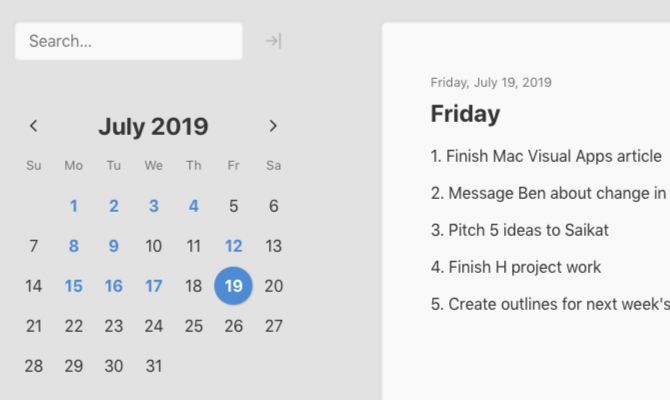
Журнал для работы: повысить продуктивность

Персональные звуки уведомлений на Android

Скачивание шоу Hulu для офлайн‑просмотра
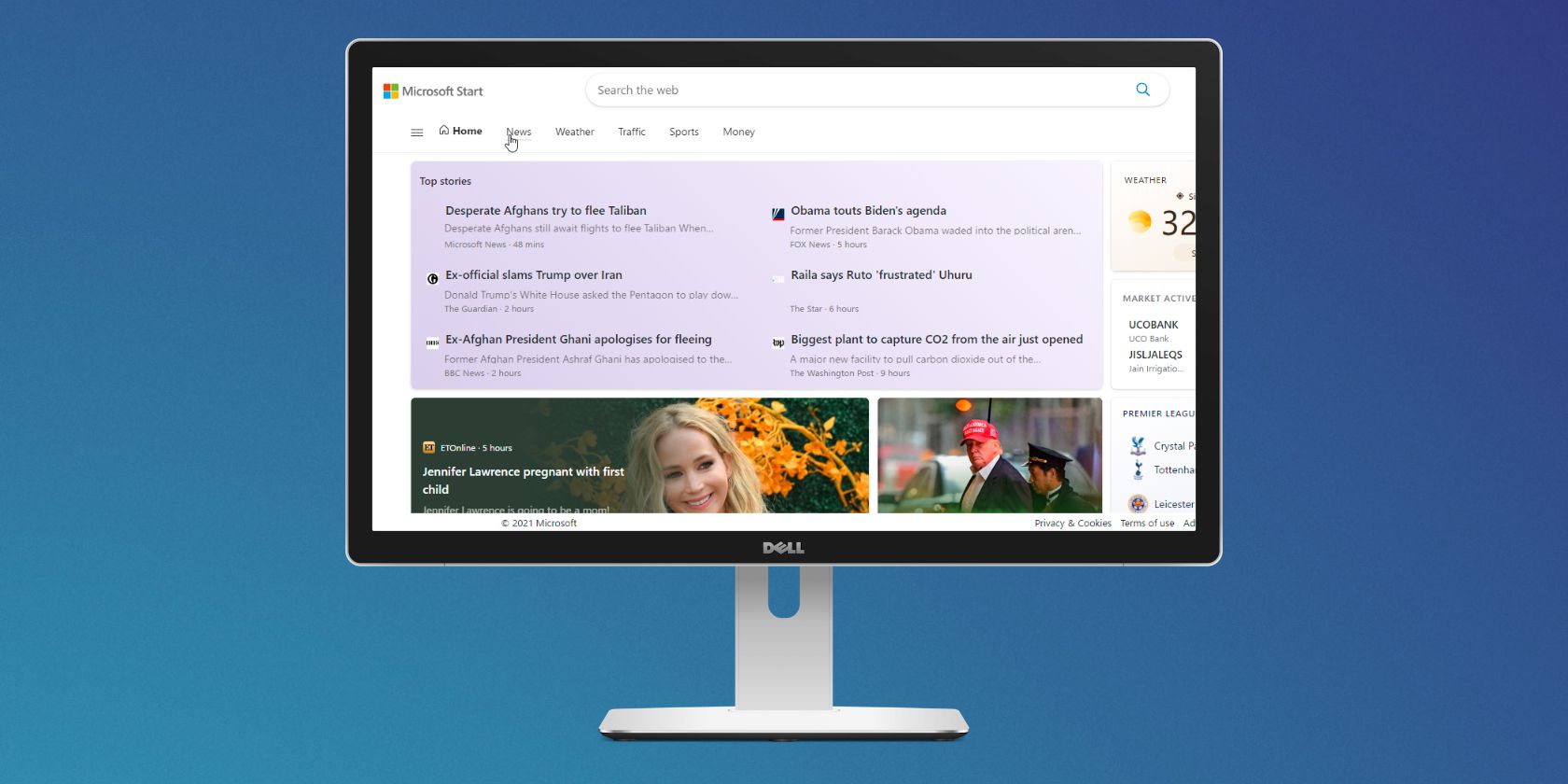
Microsoft Start: персонализированная новостная лента